
Using Betmex on my phone
My mobile route starts in the browser and continues through the store linked by the platform. This lets me compare the same catalogue without mistaking a similarly named app for Bet Mexico. The account, cashier and history must belong to the same service.
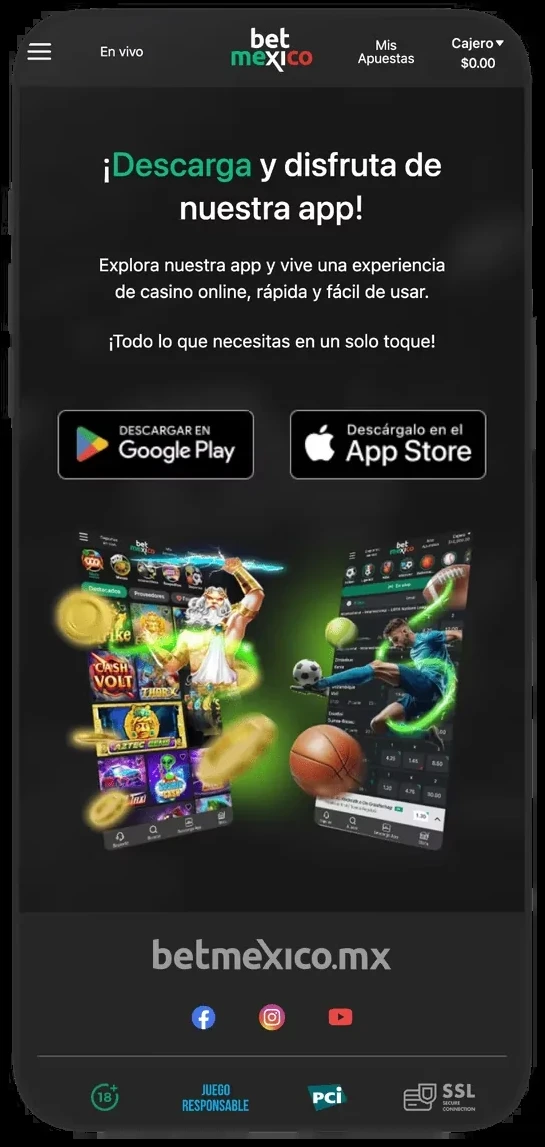
Android, iPhone or browser
Betmexico has listings on Google Play and the App Store. I compare the developer and privacy links before looking at stars. Ratings, versions and requirements change; the listing displayed on your phone is the reference for compatibility and download size.
On Android I use the store when it supports my device. If an APK is offered, I check its origin before allowing an external installation. On iPhone I distinguish a store app from a home-screen shortcut: the shortcut opens a website rather than installing the same package.
Details to compare
| Access | What to inspect |
|---|---|
| Android | Developer, permissions and updates |
| iOS | Compatibility and App Store listing |
| Browser | Address, session and connection |






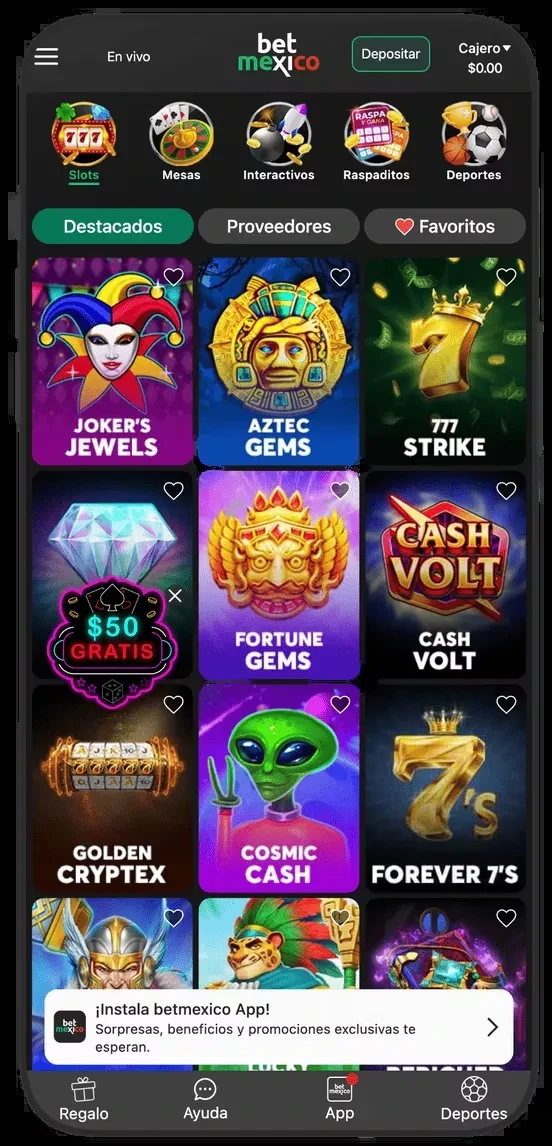
What I notice when finding games
On mobile I check the transition from Sports to Casino and the bottom navigation. A title search is useful when I know the game I want, but does not replace RTP or volatility filters. If a cover omits the studio, I look inside the game information.
A small screen makes checking the stake before confirmation especially important. Live video, chips and timers share limited space; slot rules often sit behind an icon. I read the help before rotating the phone or enlarging the view.
The errors I investigate first
For a black screen I first check connectivity, close other tabs and update through the store. Before deleting data I confirm how to recover access. Repeated reinstalls cannot resolve an account restriction or a pending identity review.
For a balance issue I compare payment history with game history. I record the time and round identifier, never sending passwords or access codes to support. I also avoid installing an alleged update received by text message without checking its destination.



Moving from Sports to Casino
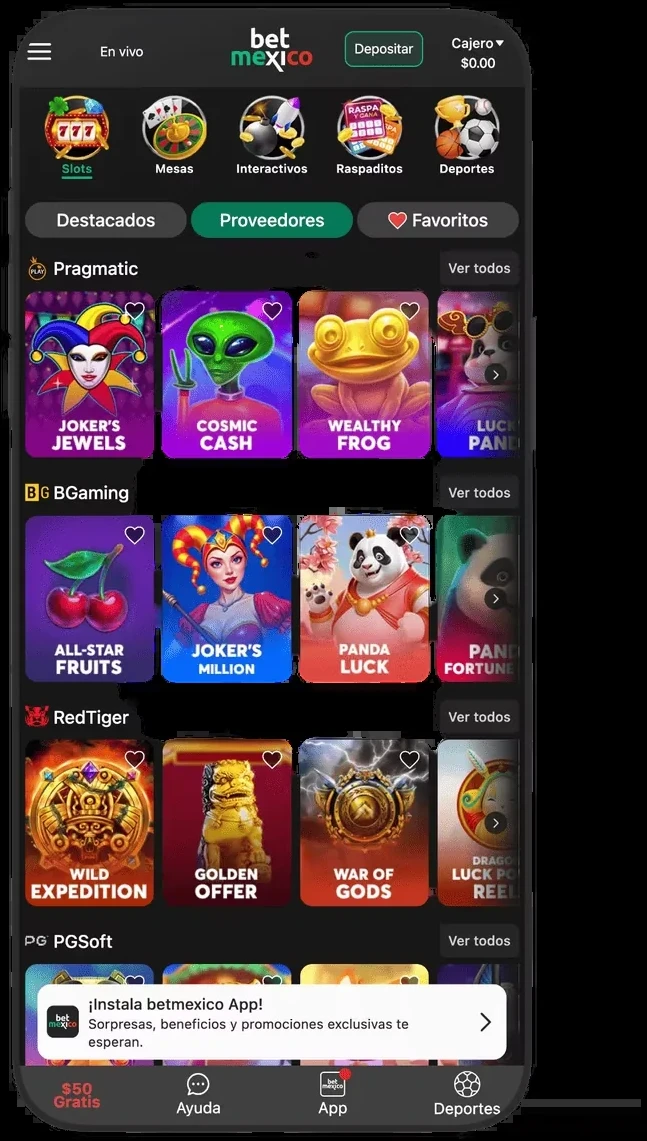
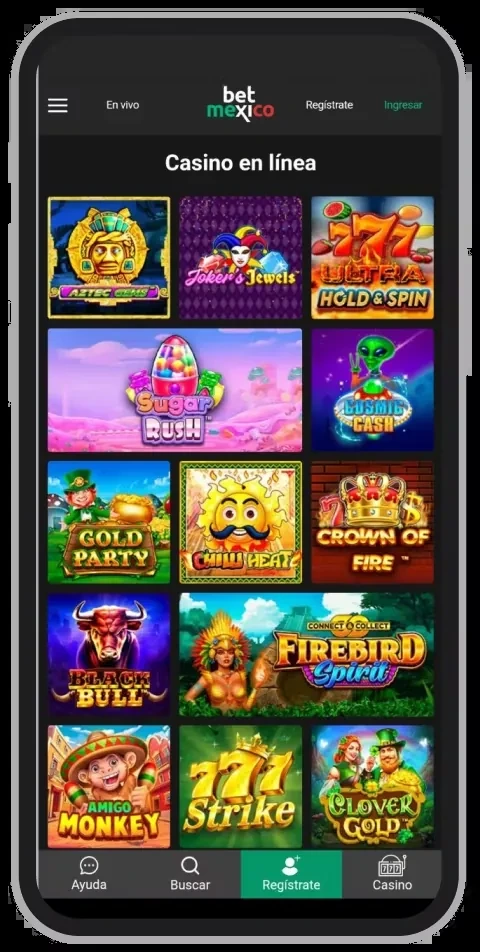
The sports focus is visible in mobile navigation: I enter slots through Casino in the bottom bar or side menu. Slots, Tables, Interactive and Scratch cards appear within it. Tables then separates roulette, blackjack, poker, baccarat, bingo and game shows. This route is clearer when I know the category; typing an exact slot title avoids several screens.
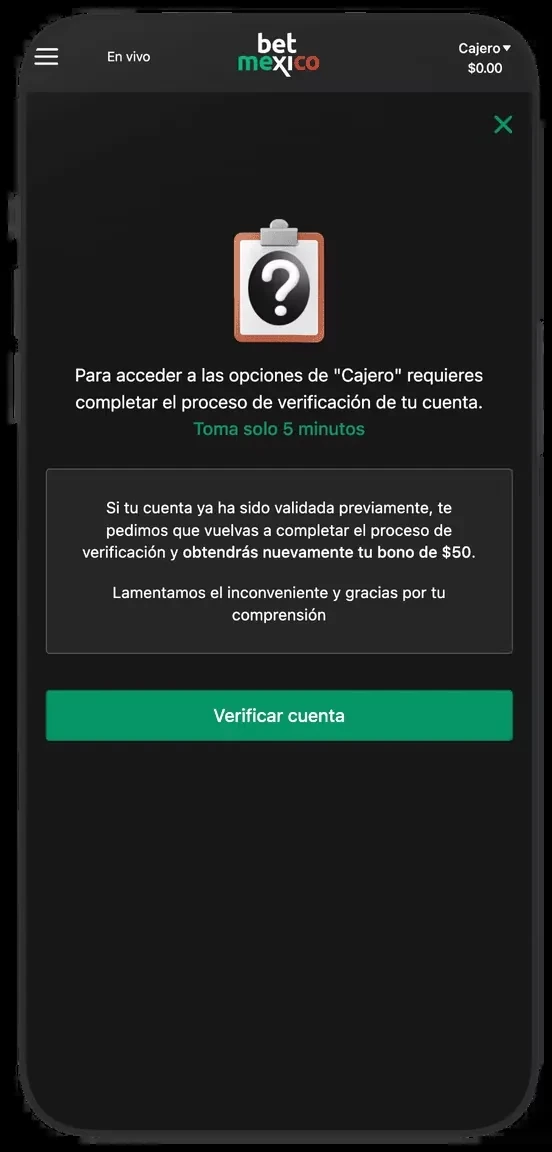
The screenshots show featured games, provider grouping and favourites. On mobile I watch for installation prompts or notifications covering bottom controls. I also distinguish the header balance from withdrawable cash. Before entering the cashier I inspect verification and account history. Switching categories does not create another account or remove the conditions of an already activated promotion.
Installation and maintenance checks
On Android I follow the download route matching the platform and compare the app name, developer and support domain. I do the same in the iPhone App Store listing. A similar word in an app name does not establish identity. Versions, file size and compatibility change: I read the device listing before installation rather than treating an old figure as a universal requirement.
For updates I use the same store or verified channel as the original installation. If the phone is incompatible I try web access instead of a third-party package. A home-screen shortcut provides a different convenience; saving a link does not install a native app. For crashes I inspect free storage, connectivity and updates before deleting data. I keep the exact error message because a black game screen and an account restriction require different remedies.






Frequently asked questions
Do I need an app to access the site?
You can use a mobile browser; check that the address belongs to the service.
Is a shortcut an iPhone app?
A shortcut opens the website. A store app has its own listing and updates.
Where do I check the developer?
In the store listing and its support and privacy links. Compare the destination with the platform you use.
Does reinstalling fix an account restriction?
An account restriction or pending KYC requires the account procedure; reinstalling does not replace it.