
Betmex login: access and recovery
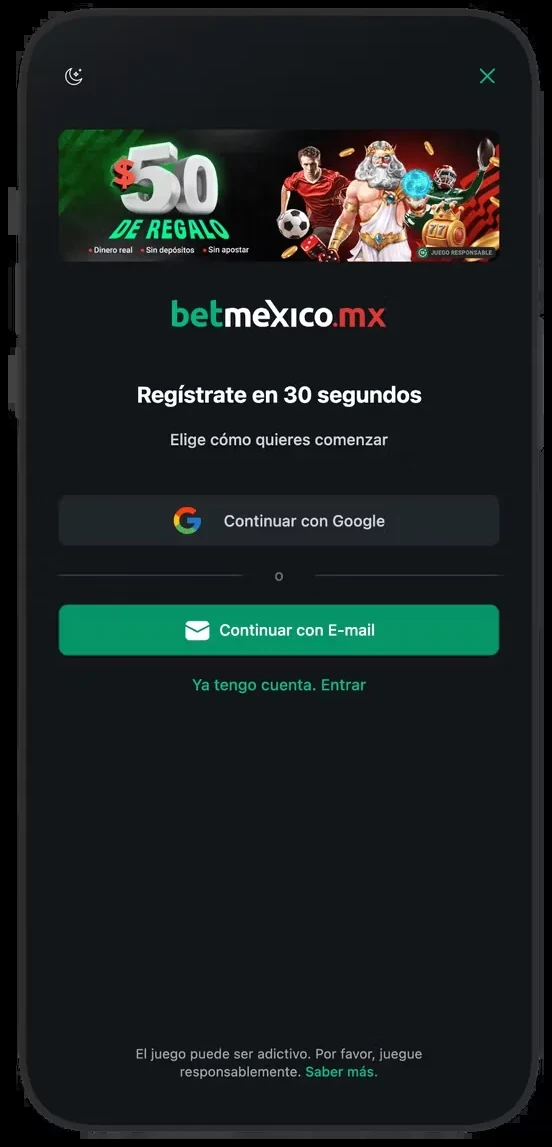
To log in to Betmex I use the method chosen during registration. If I signed up with Google, I check that route before changing an email password. I recover the existing account and verify the address before entering details.
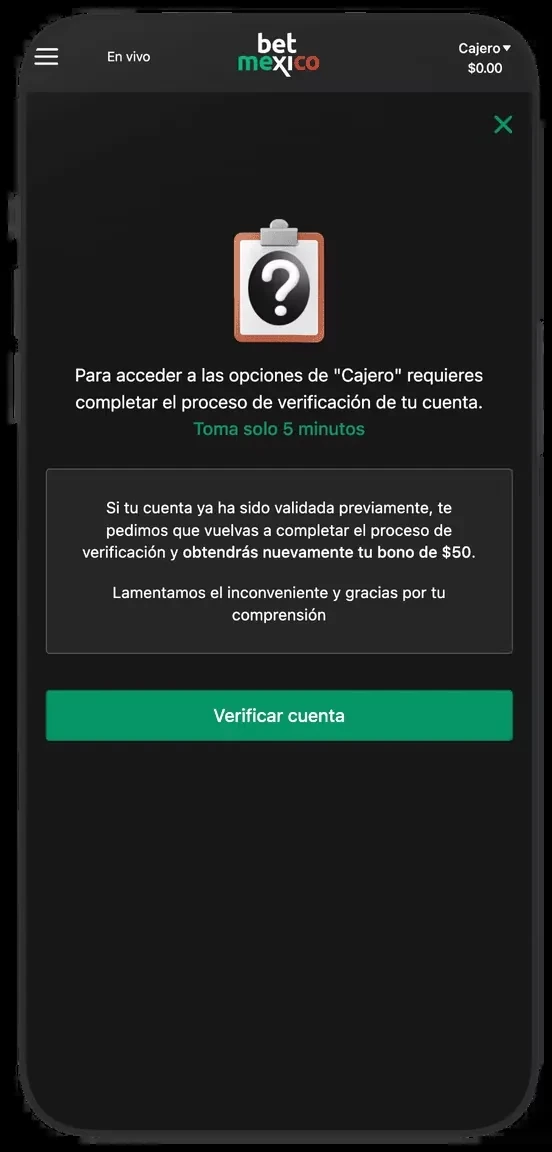
Email, password and social sign-in
I open sign-in from platform navigation and inspect the domain. I do not enter passwords into form screenshots or pages explaining login. If my password manager stops recognising the address, I pause to check it.
I inspect the email, case and keyboard layout before confirming. Social sign-in may use another email stored on the phone. The correct session shows my account details and history, rather than merely allowing access to a lobby.
Details to compare
| Step | Preparation |
|---|---|
| 1. Account | Your own email and phone |
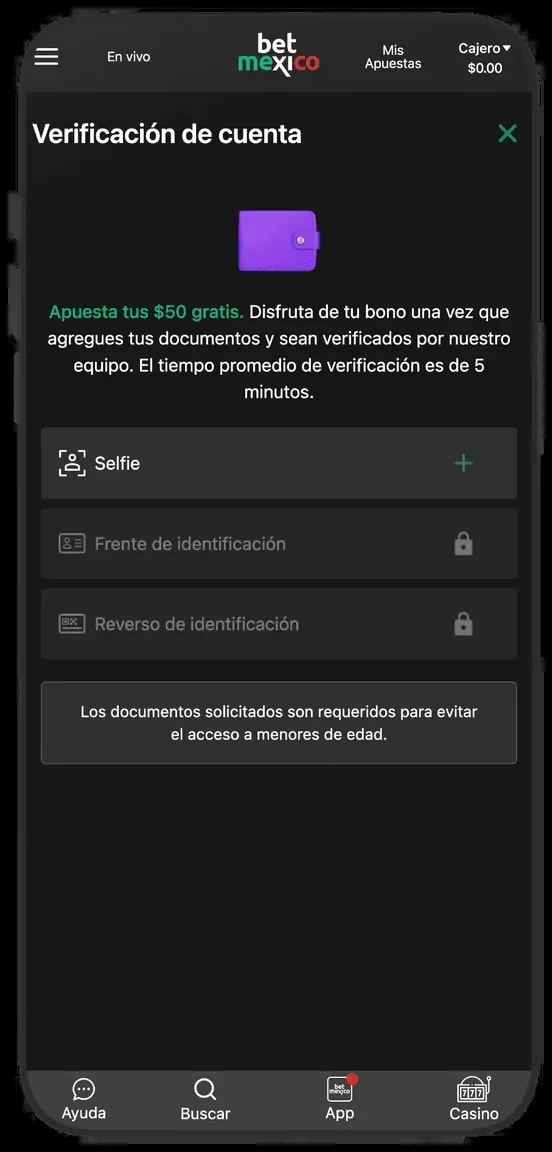
| 2. Identity | Selfie and readable ID |
| 3. Cashier | Ownership and MXN currency |






When I cannot sign in
For a forgotten password I use recovery and wait for the message before requesting another. I never share the received code with someone contacting me by text. An account restriction may remain even after a password change.
I record the exact message, time and device for support. I avoid sending documents through unverified channels. If a withdrawal is pending, I keep its reference and explain both issues without creating another account.
After creating the account
After email confirmation I check currency, verification and account limits. I keep passwords out of messages and screenshots. On a shared phone I sign out afterward and avoid saving credentials.
Before depositing I decide whether to accept a promotion. Its balance and conditions may affect later transactions. Completing registration means knowing which account I use and understanding the cashier; it does not require placing a bet immediately.
Distinguishing passwords, sessions and restrictions
A wrong password, expired session and restricted account require different responses. For credential errors I check the registration method and recovery. For an expired session I sign in through normal navigation. For an account review I retain the message and use verified support. A second profile can add another problem.
On mobile I also check whether Google or autofill selected another email. After access returns I inspect the account name and recent movements before depositing. I never share recovery codes or allow remote phone control. Time, device and error message explain a problem; passwords do not belong in support information. Screenshots should hide email, documents and irrelevant personal details.






Frequently asked questions
Can I use someone else’s documents?
Use your own details and documents. The account and withdrawal method must match their owner.
What does KYC mean?
It is the verification of identity and, where requested, address and ownership.